Palette
Color Picker
Free design tools and a copy-source UI kit. Learn UX rules and process, generate gradients and product visuals, extract tokens, export PDF, and install real components. No accounts, no paywalls.
Product preview
2880 x 1620
Intro
Default File is a set of focused design tools that turn practice into production, from principle to pixel.
Every view packs into a shareable link, so teammates open the same controls and leave with stills, tokens, PDF, or video.
No accounts, no paywalls, no lock in. Open a tool, make the thing, ship it.
Studio
Learn the rules, generate the assets, stage the shot, extract the tokens.
Every tool in the studio runs in the browser and exports something you can ship.

UX Principles
28 design rules with modern SVG demos. Toggle simple language anytime.
UX Process
How design process evolved, from diverge-converge to the AI working loop.
Shader Gradient
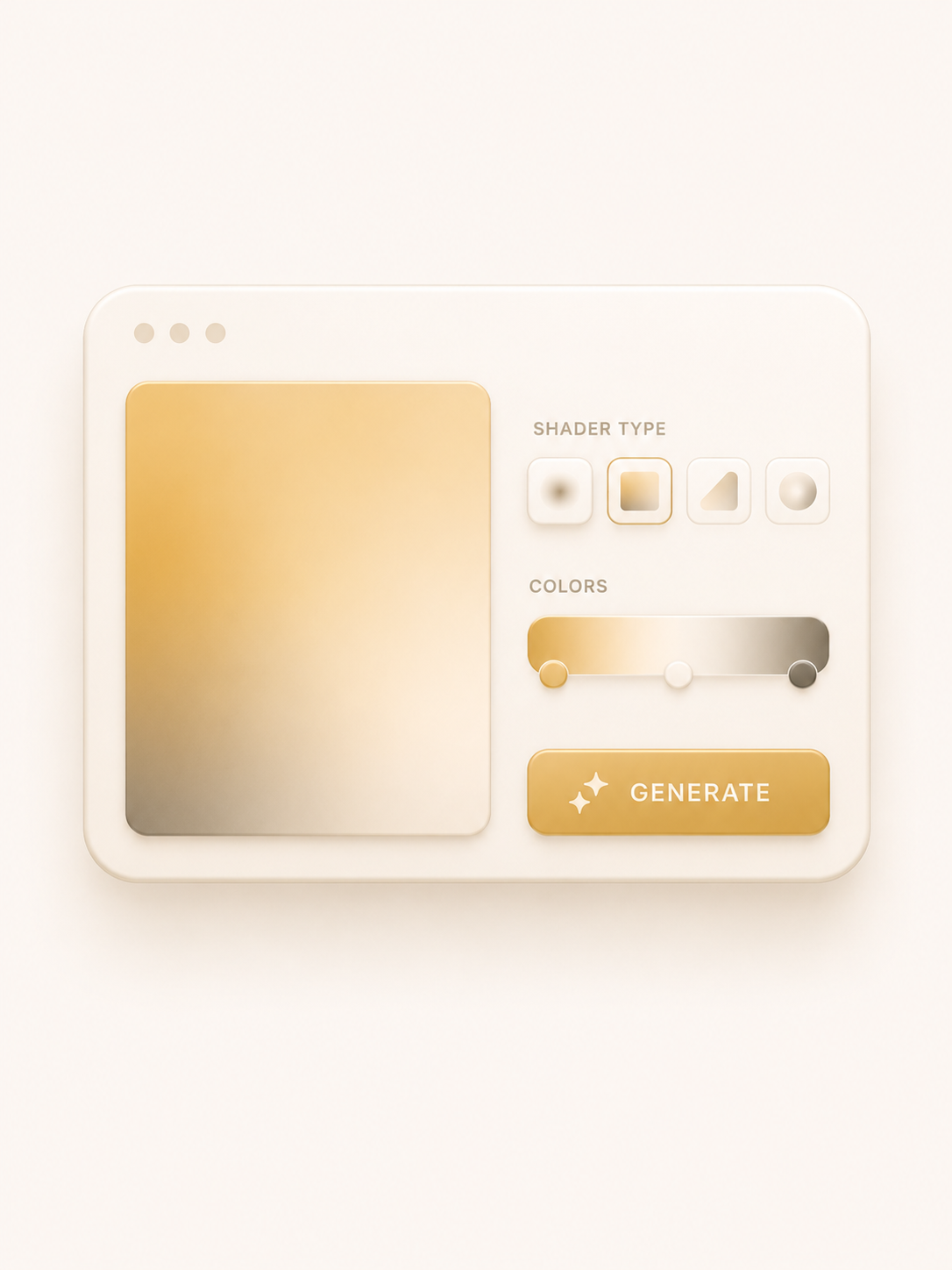
Warped WebGL gradients with liquid, silk, streaked, and grainy looks. Export PNG or JPG.
Mesh Gradient
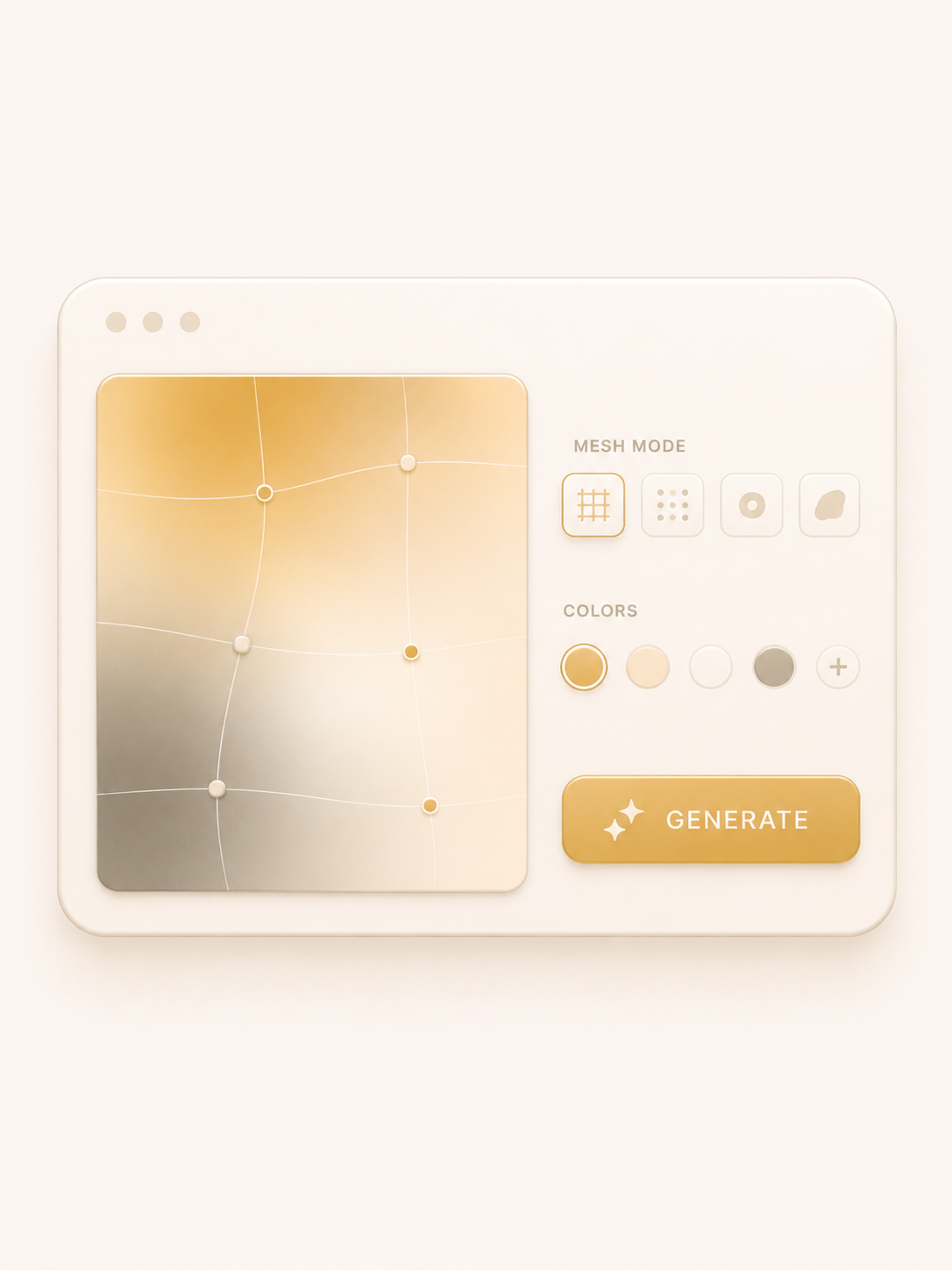
Soft multi-color mesh backgrounds with blur and grain. Export SVG, PNG, or CSS.
Color Lab
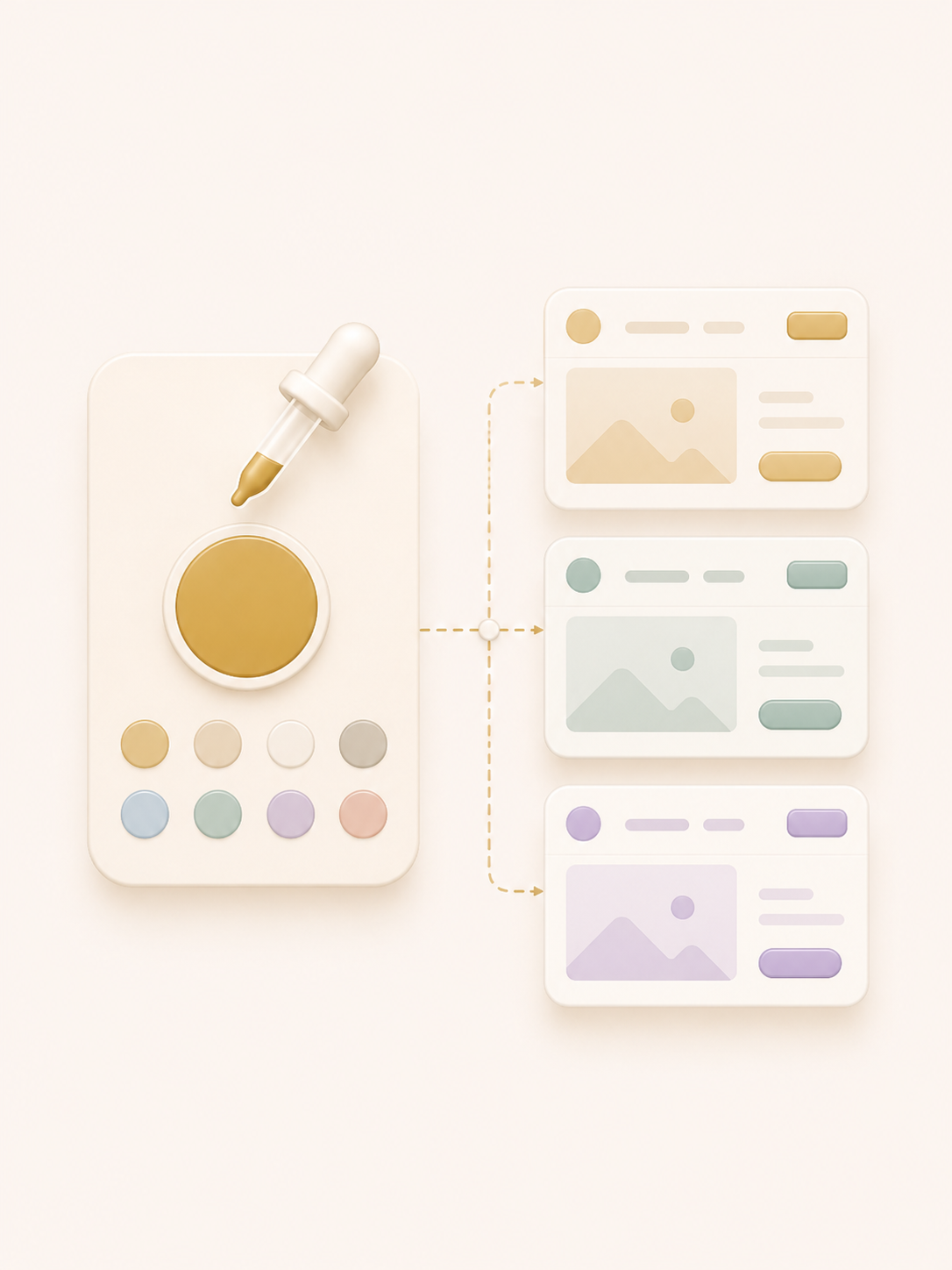
Build Default File neutral scales from a hex seed. Contrast matrix, previews, and CSS export.
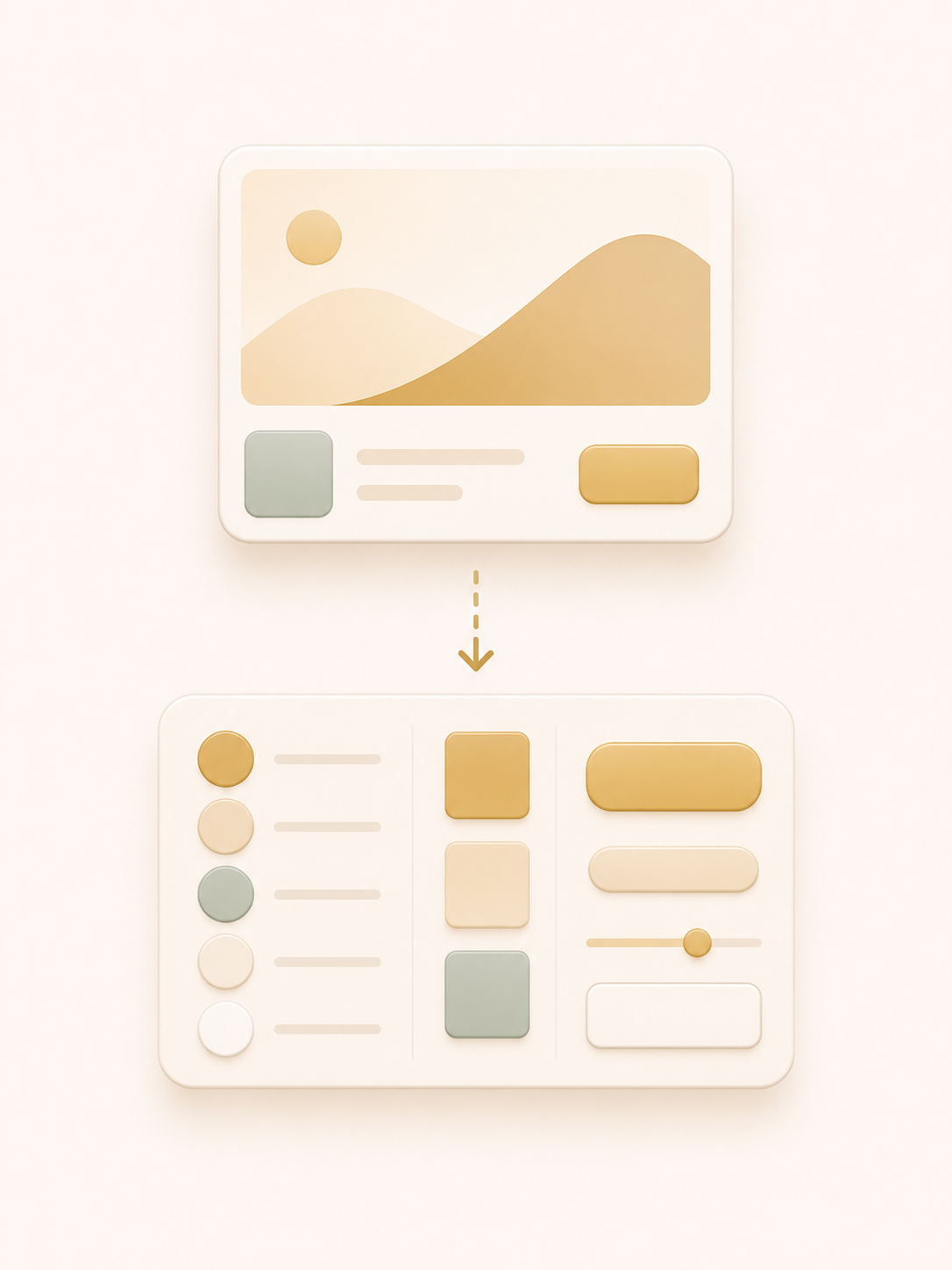
Design Extractor
Upload a UI image and pull its surfaces, color palette, typography, and gradients with AI.
 Beta 3.4.2
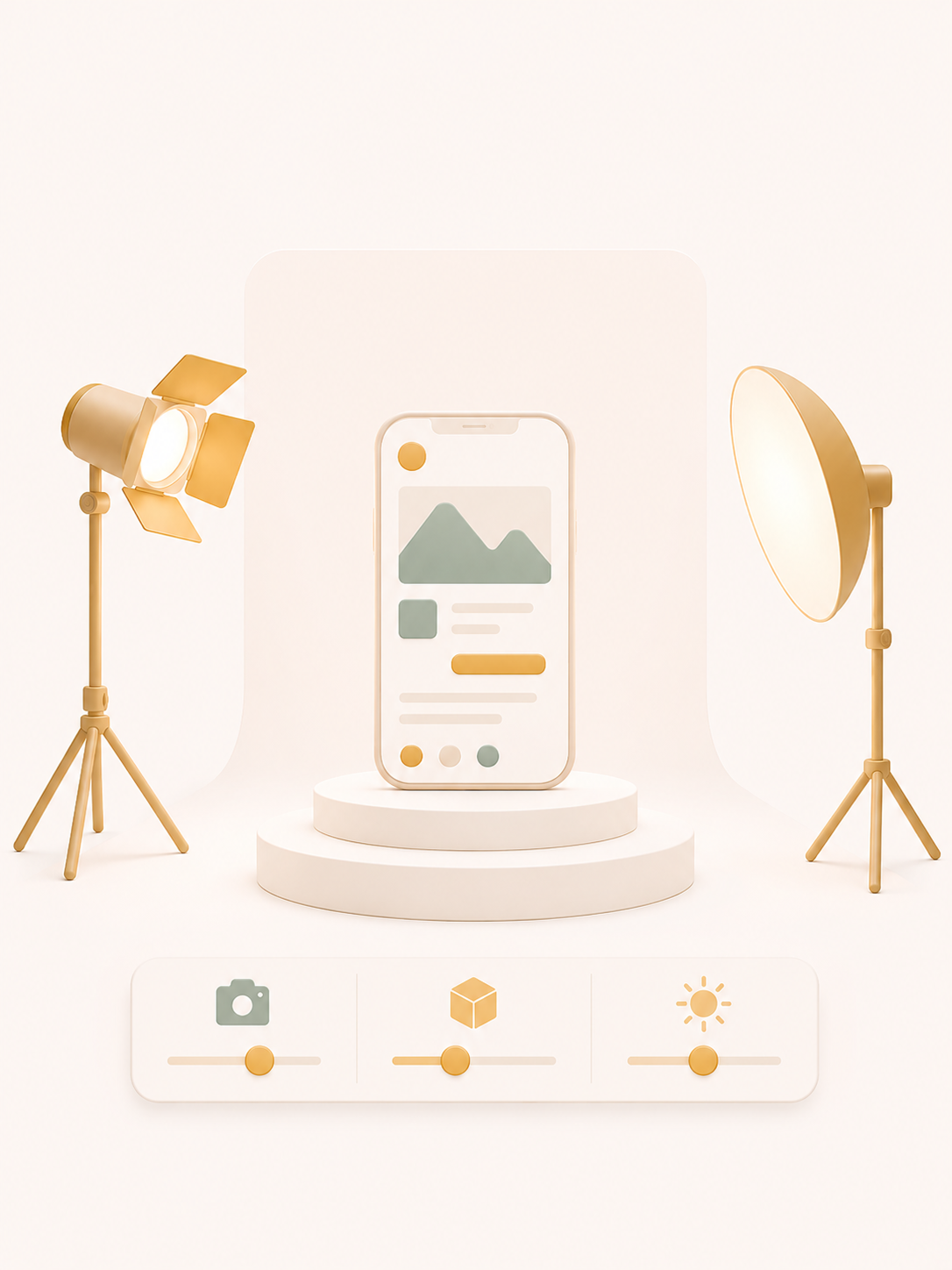
Stage Shot
Compose UI screens into cinematic product visuals. Camera, frame, scene, and high-res export.
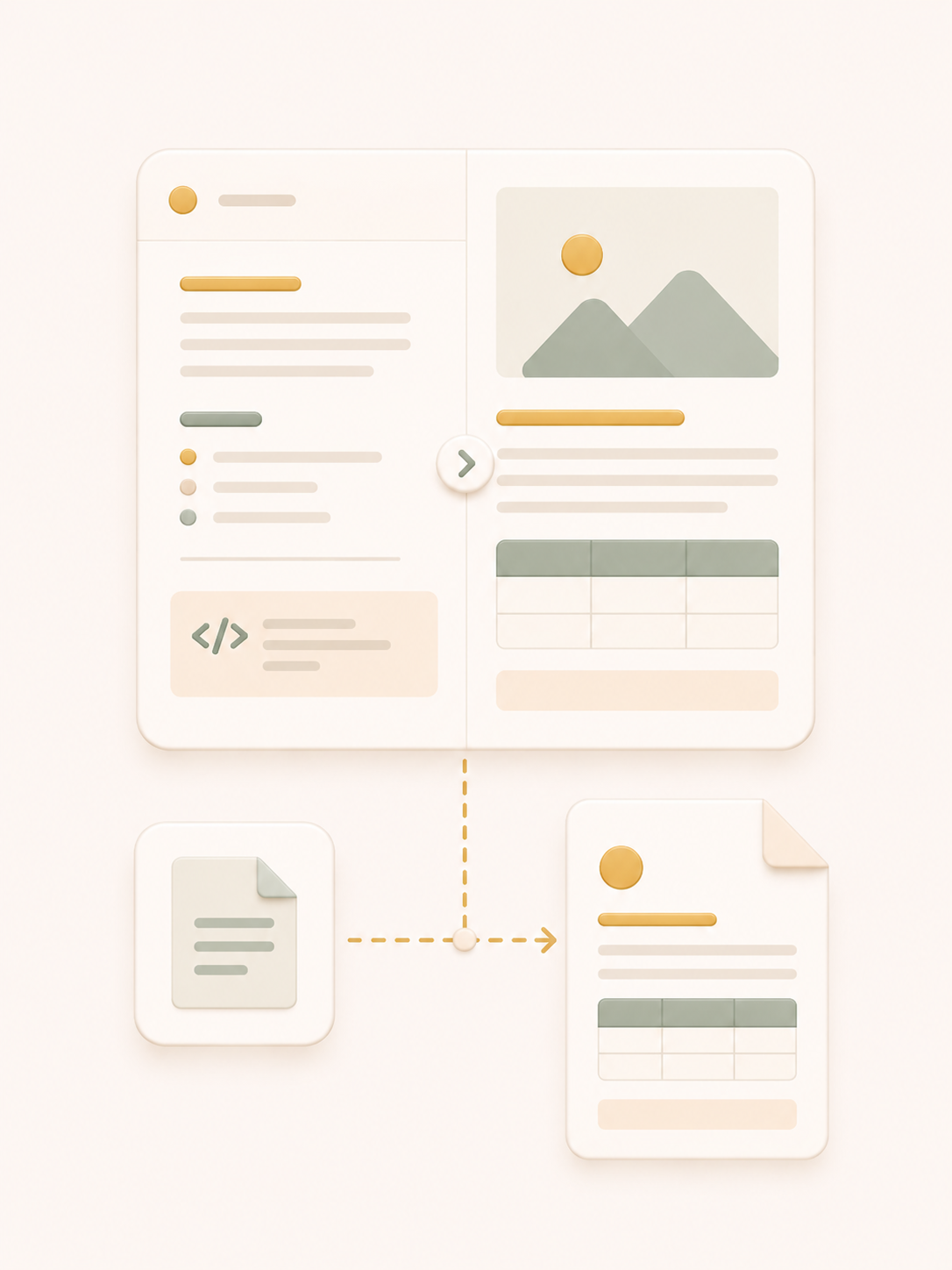
Markdown Preview
Import a markdown file, edit the source, preview GFM tables and prose, then export a paginated PDF.
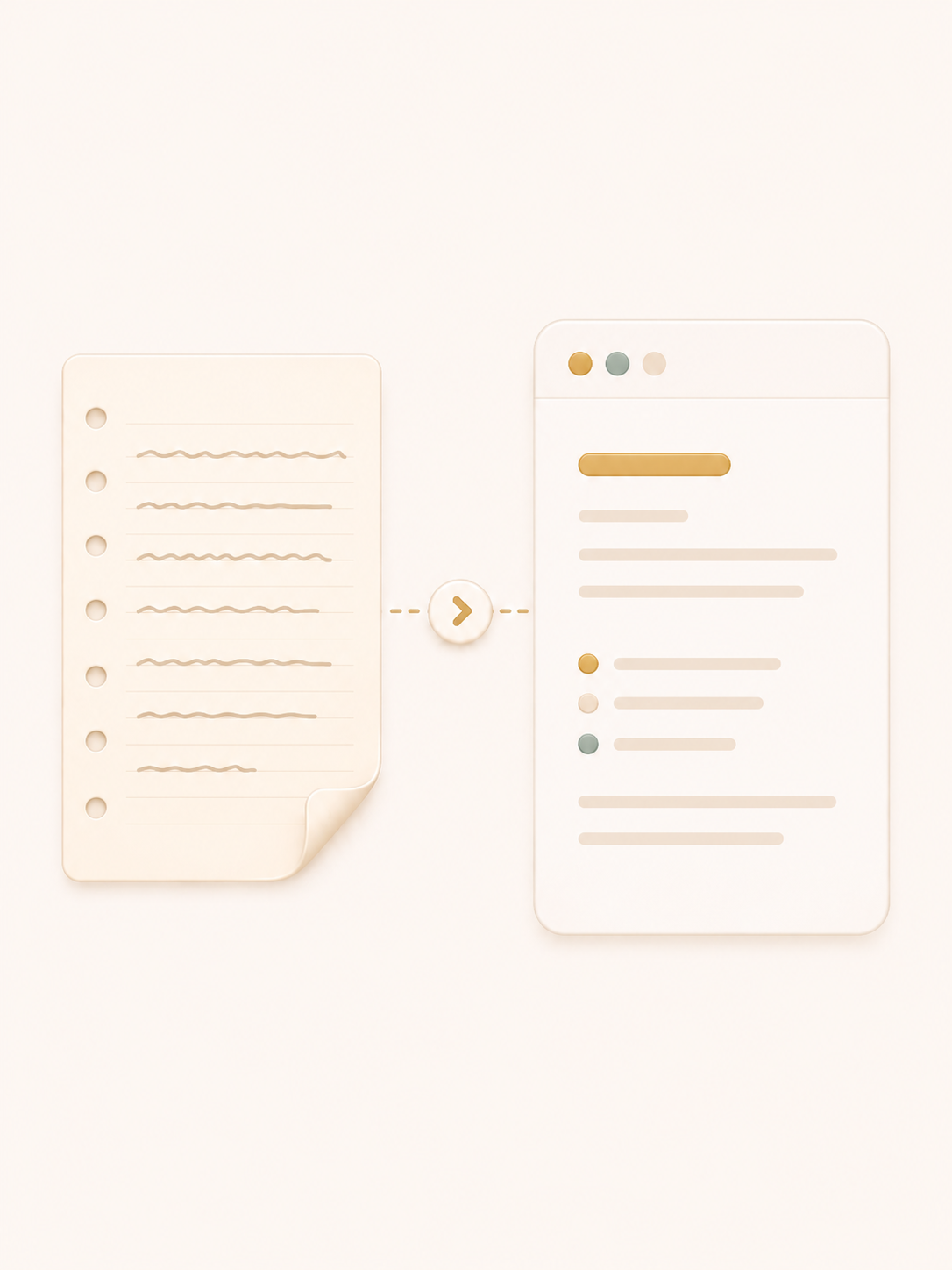
Scan Note
Scan a handwritten note into a structured Markdown document.
Practice loop
One path from a design question to a shippable asset, a staged product visual, or a component in your codebase.
Components
Accessibility, keyboard support, and motion are built in. 61 catalogue components power the tools on this site, from dock panels and tool rails to spectrum text and format toolbars.
Palette
Shader
Detail
61 components with live demos, variants, and install paths.
Browse componentsWhat's included
Tokens, live controls, toolbars, and install paths. Default File UI is copy-source and importable.
Components
Real controls, not placeholders
Tokens
Color, type, radius, and motion scales
Shared scales keep tools and catalogue demos aligned.
Toolbars
Panels, docks, and overlay hints
Built for product UI: floating controls, options panels, and instruction chips.
Outputs
Leave with files and tokens you can drop into production, not screenshots of a demo. Stage Shot also exports WebP, MP4, and WebM.
SVG
Vector exports that stay crisp at any size.
PNG
Raster stills at 1x or 2x for decks and mocks.
JPG
Compressed stills from shader gradients when you need smaller files.
CSS
Variables and gradients ready to paste into styles.
JSON
Token payloads for design systems and handoff.
Paginated documents from markdown with tables kept intact.
Numbers
Learn
28
UX principles with live, interactive demos.
Generate
40+
Curated gradient starting points across mesh and shader engines.
Kit
61
Catalogue components with demos, variants, and install paths.
10 tools ready
61 kit components
Stills, PDF, and video
0 sign-ins required
Pricing
Every tool, every export, and the full component catalogue are free to use. No trials, no seats, no surprise upgrade wall.
FAQ
Short answers about the tools, the kit, and what stays free.
Got questions?
Write to hello@defaultfile.com
Voices
Designers and engineers use these tools to skip the busywork between a decision and a shippable asset, stage visual, or kit install.
“I stopped rebuilding the same gradients and token ramps for every project. Open a tool, export the asset, paste it in. The whole loop takes a minute.”
Placeholder voice
Product designer
Practice a principle, stage a product shot, export a file, or install a component. Free either way.